Go Jackpot Withdraw lets account holders request eligible funds and send them to an available payout destination. Pressing Withdraw, however, is only the first step. The request may still pass through account checks, processing, and payment handling before the money reaches the receiving account.
The best way to follow Go Jackpot Withdraw is from request to receipt. Check what you can withdraw, review your payment information, submit the correct amount, monitor the transaction, and confirm the funds when they arrive. Keeping track of each stage also makes it easier to review your Go Jackpot transaction if the payout requires further checking.
Know What You Can Withdraw Before Starting
Start by checking the balance currently eligible for withdrawal. The total amount displayed in an account may not always be the same as the amount available for immediate payout.
Before starting Go Jackpot Withdraw, check:
- Available or withdrawable balance
- Current transaction limits
- Active promotion conditions
- Account verification notices
- Available payout options
Funds connected to an active promotion may still be subject to applicable conditions. The withdrawal page may also display current minimum or maximum transaction limits.
Use the information currently shown in your account as your main reference. Requirements and available options can change, so details from an older transaction may no longer apply.
Choose Your Payout Destination Carefully
The next part of Go Jackpot Withdraw is selecting a payout option currently available in your account. Open the withdrawal section and read the instructions before entering your final request.
Accuracy matters here. A wrong account number, mobile number, name, or other payout detail can create problems after the request has been submitted.
If information is already saved, check it again rather than assuming it remains correct. Make sure the selected destination is active and accessible to you.
Never provide passwords, OTPs, or login credentials to another person who claims they can process the payout for you.
Follow the Four Stages of a Payout
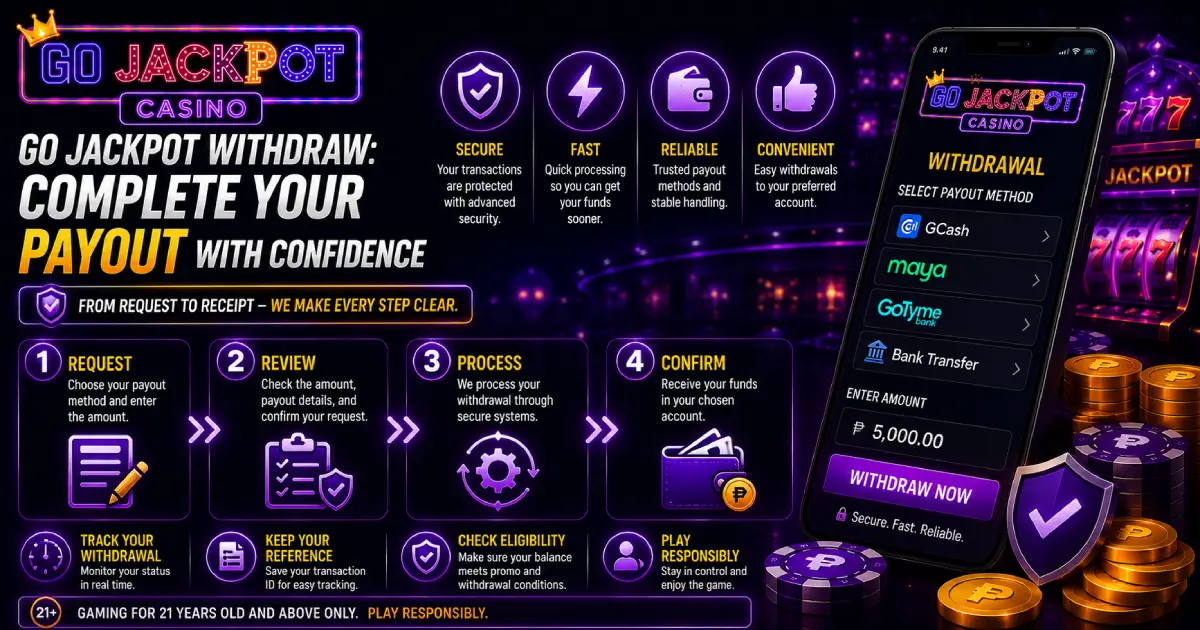
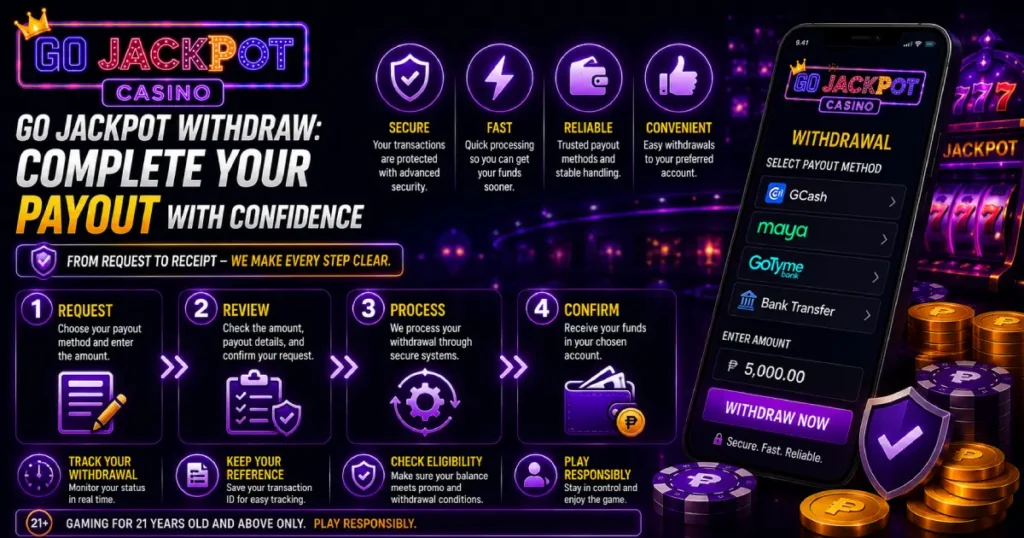
A useful way to understand Go Jackpot Withdraw is through four checkpoints:
Request → Review → Process → Confirm
Request: Choose an available payout method and enter the amount.
Review: Check the amount, recipient information, and transaction instructions.
Process: Allow the submitted request to move through the required transaction stages.
Confirm: Check your receiving account and make sure the expected amount has arrived.
Following these stages prevents one common mistake: assuming the withdrawal is finished simply because the request was submitted successfully.
Check the Details Before Pressing Withdraw
Before confirming Go Jackpot Withdraw, take another look at the information displayed on the transaction screen.
Compare the payout details with the actual account where you want to receive the funds. Check every digit of an account or mobile number and make sure the requested amount is correct.
If an additional verification step appears, follow the instructions shown in your account. Verification may be required before the payout can continue.
Once everything matches, submit the transaction and keep its confirmation or reference details.
What Happens After You Submit the Request?
A Go Jackpot Withdraw request can pass through several stages before the money becomes available:
Request submitted → Account check → Processing → Payment handling → Funds received
This explains why the amount may no longer appear in your available gaming balance while it has not yet reached the selected payout destination.
During this period, check the transaction history or withdrawal status instead of repeatedly submitting the same request. The current status provides a better indication of where the payout stands.
Read Your Withdrawal Status Before Taking Action
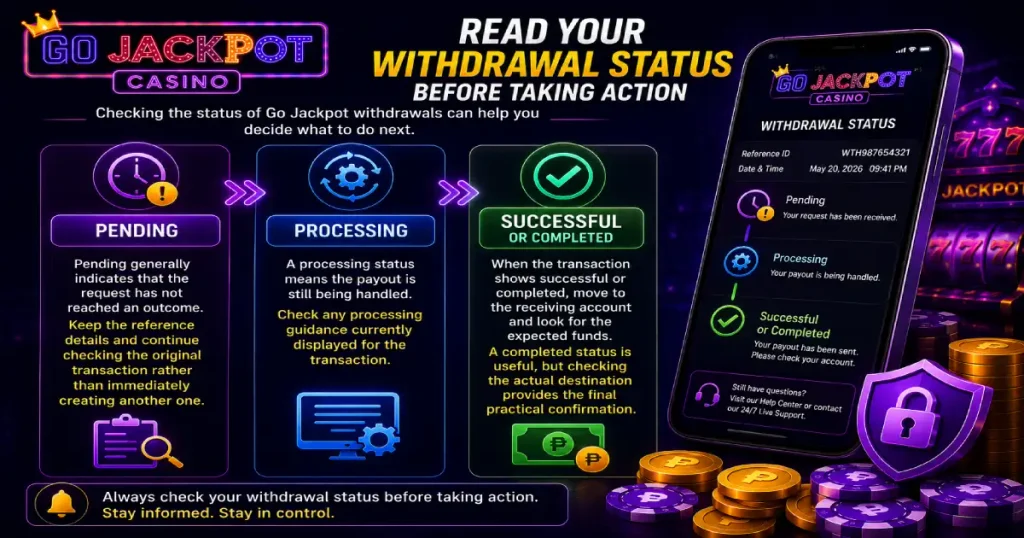
Checking the status of Go Jackpot withdrawals can help you decide what to do next.
Pending
Pending generally indicates that the request has not reached an outcome. Keep the reference details and continue checking the original transaction rather than immediately creating another one.
Processing
A processing status means the payout is still being handled. Check any processing guidance currently displayed for the transaction.
Successful or Completed
When the transaction shows successful or completed, move to the receiving account and look for the expected funds.
A completed status is useful, but checking the actual destination provides the final practical confirmation.
Why Is My Withdrawal Taking Longer?
A delayed Go Jackpot withdrawal does not automatically mean the funds are lost or the request has failed. The first task is to identify where the transaction currently stands.
Possible factors include:
- Request still undergoing processing
- Account verification still required
- Incorrect or incomplete payout information
- Payment-provider handling
- Transaction limits or requirements
- Unfinished promotional conditions
- Additional transaction review
Check the withdrawal history, status, amount, request time, and payout destination. Look for any account notice asking you to complete an action.
If the request remains unresolved beyond the processing guidance provided for the transaction, contact the official support channel with the relevant reference information.
Do Not Create Another Request Just to Fix a Delay
Submitting another Go Jackpot Withdraw request does not necessarily repair or speed up an existing transaction.
Instead, it may create another payout and leave you with two requests to track. This can make identifying the original transaction more difficult.
When a withdrawal remains pending, focus on that request. Check whether its status changes and whether the account displays additional instructions.
Only submit another payout when you genuinely intend to create a separate transaction.
Save the Details Until Your Money Arrives
Keep a simple record after submitting Go Jackpot Withdraw. You do not need to save unnecessary private information, but retain enough details to identify the transaction.
Record:
- Requested amount
- Date and time
- Payout method
- Transaction reference
- Current status
If the funds do not arrive as expected, these details give you something specific to provide when requesting assistance.
Never share your password, OTP, or other login security information as proof of a transaction.
Check Bonus Conditions Before Cashing Out
If part of your balance came from a promotion, review its current terms before attempting Go Jackpot withdrawal.
An offer may include eligibility, wagering, turnover, or other conditions. Receiving a bonus does not necessarily mean every amount connected to it is immediately eligible for payout.
Check the terms attached to the specific promotion rather than assuming the conditions are the same as a previous offer. This can help you distinguish a promotion requirement from a technical withdrawal problem.
Keep Withdrawals Connected to Your Budget
Using Go Jackpot Withdraw can also be part of keeping your gaming budget organized. Decide how much you want to cash out and what you intend to keep available for entertainment.
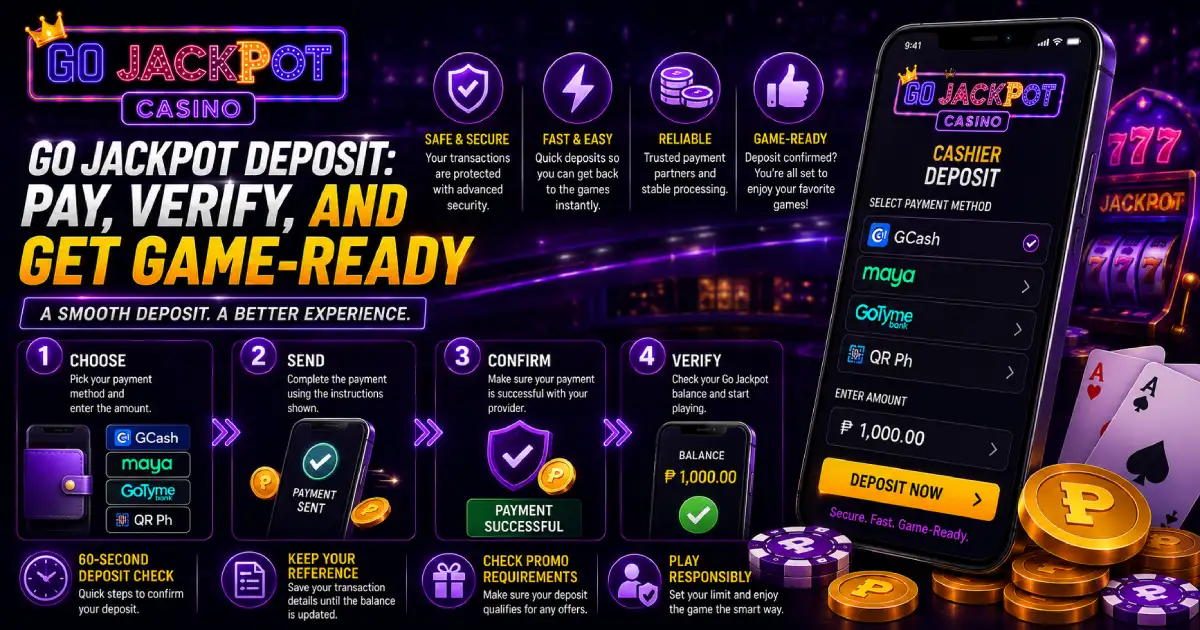
Avoid automatically returning withdrawn money through another deposit. Keeping gaming funds separate from money for food, transportation, bills, savings, and other necessities makes spending easier to track.
Real-money gaming should remain within an amount you can afford and follow applicable age and responsible gaming requirements.
Finish by Confirming the Payout
The final step in Go Jackpot Withdraw is confirming that the requested amount actually reached the correct receiving account.
Remember the four stages: Request, Review, Process, and Confirm. Check your balance before withdrawing, verify the payout details, save the transaction reference, and monitor its status until the funds arrive.
Once the transaction record and the amount received match, Go Jackpot Withdraw has reached its practical endpoint, and you can consider the payout complete.